Ultra HD Video Playback Experience
Watching 1080P videos? At least 4K, 8K videos are also no problem.
This video demonstrates APP rule editing, SOCKS5 node import, and playing 8K videos with unlimited relay servers. Speed exceeds 300000kbps.
Quick Start Guide
Get started with ReSocks in five steps
Download and Install
Choose the version for your device from the download page and install ReSocks
Launch App
Open ReSocks app, first-time use is free trial, no registration required
Enter SOCKS5 Node
Enter your own or a third-party SOCKS5 proxy address, then choose a suitable TLS relay node
One-Click Connect
Click the "Connect" button and wait for successful connection to start using
Enjoy Global Access
After successful connection, freely access global network with high-speed stable experience
Platform Demos
View client demonstrations on different platforms
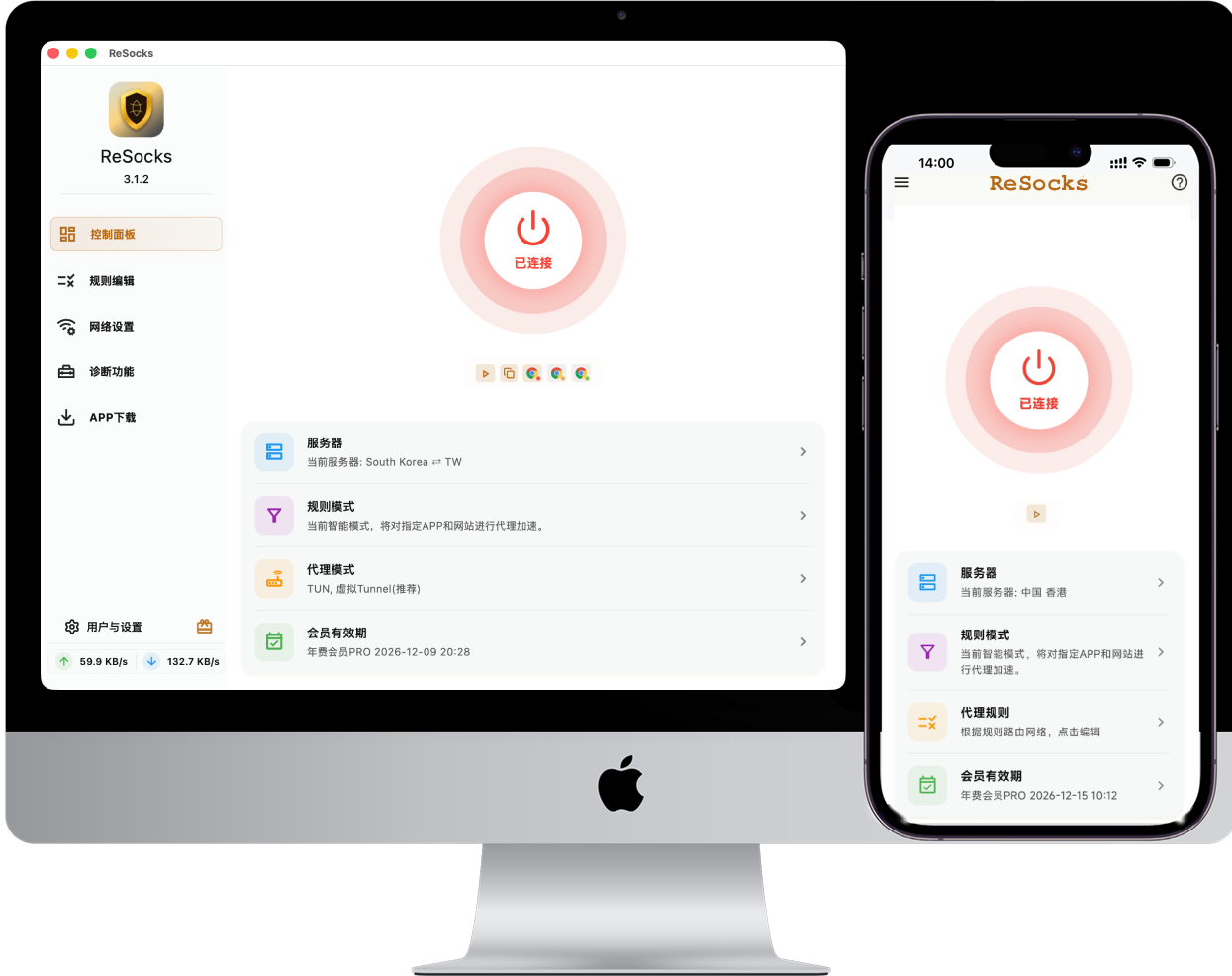
macOS Client Demo
macOS
Full feature demonstration of macOS version, including TUN mode and smart routing.
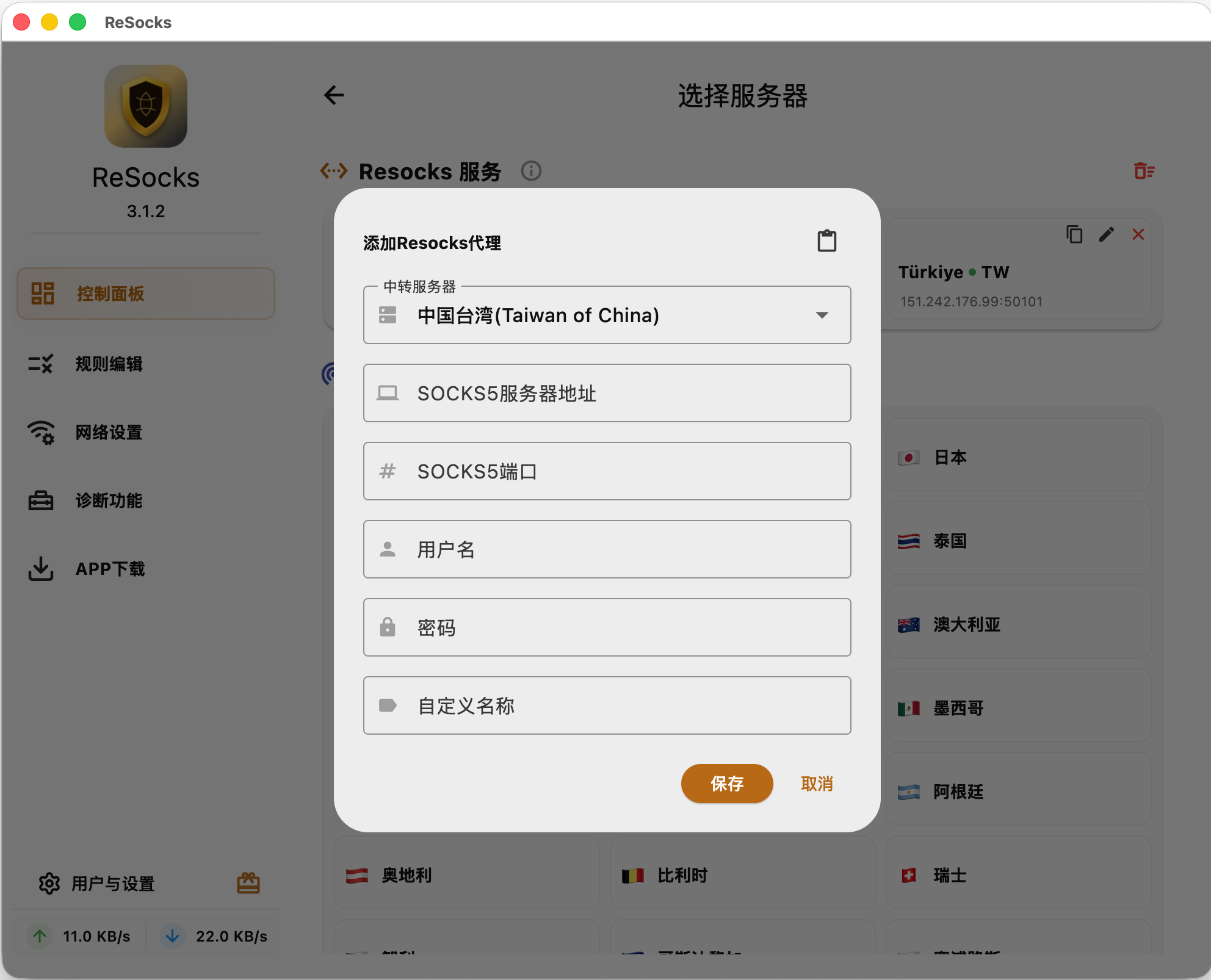
Windows Client Demo
Windows
Windows version showcase with clean interface and one-click connection.
Documentation
Detailed guides and tutorials
Usage Tips
Master these tips for better use of ReSocks
Smart Proxy vs Global Proxy
Smart proxy only proxies specified apps or websites, others connect directly; Global proxy routes all traffic
TUN Mode vs Proxy Mode
Switch between TUN and system proxy mode as needed
Proxy Sharing
Enable proxy sharing to allow other devices on LAN to use acceleration service
Ready to Get Started?
Download now to experience ReSocks, free trial, no registration required
Free Download